
How to Resolve Docker compose up -d Error `Error response from daemon Mounts denied The path backend is not shared from the host and is not known to Docker`
Thank you for your continued support.
This article contains advertisements that help fund our operations.
Table Of Contents
This is a guide to resolve Docker error: Error response from daemon: Mounts denied: The path backend is not shared from the host and is not known to Docker. You can configure shared paths from Docker -> Preferences... -> Resources -> File Sharing. See https://docs.docker.com/docker-for-mac for more info.


This is a guide to resolve Docker error.
After cloning the Laravel project, when running
docker compose up -dI encountered the following error:
Error response from daemon: Mounts denied: The path backend is not shared from the host and is not known to Docker.
You can configure shared paths from Docker -> Preferences... -> Resources -> File Sharing.
See https://docs.docker.com/docker-for-mac for more info."
Directory Structure
project (project folder. Cloned from GitHub)
│
└ backend (Laravel directory)
Solution
※The screenshots were taken on 2021/09/07 (sorry if the UI has changed...)
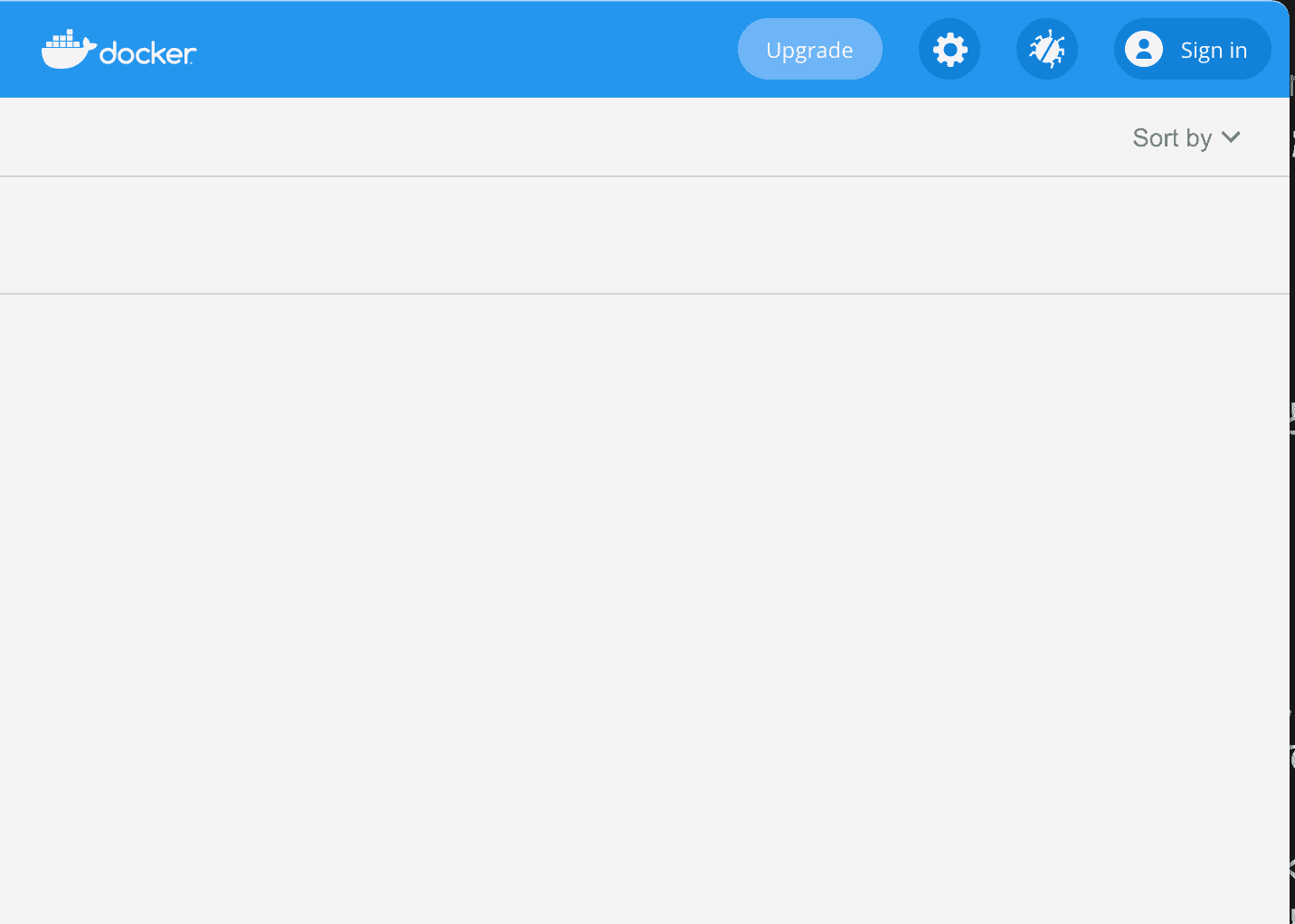
Click on the settings gear icon (Preferences)
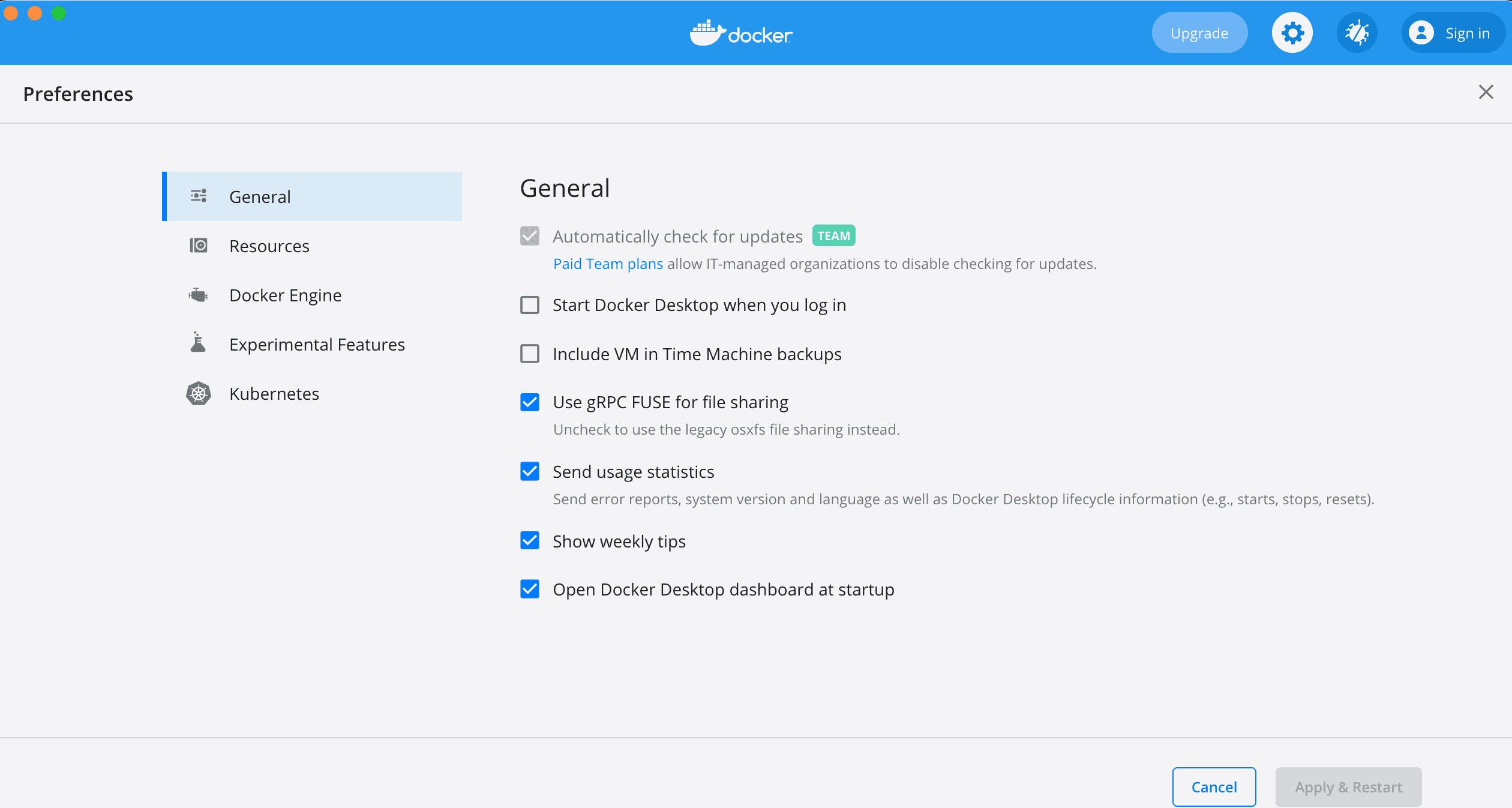
Navigate to the Resources/FILE SHARING tab
Add the directory for the backend of the project
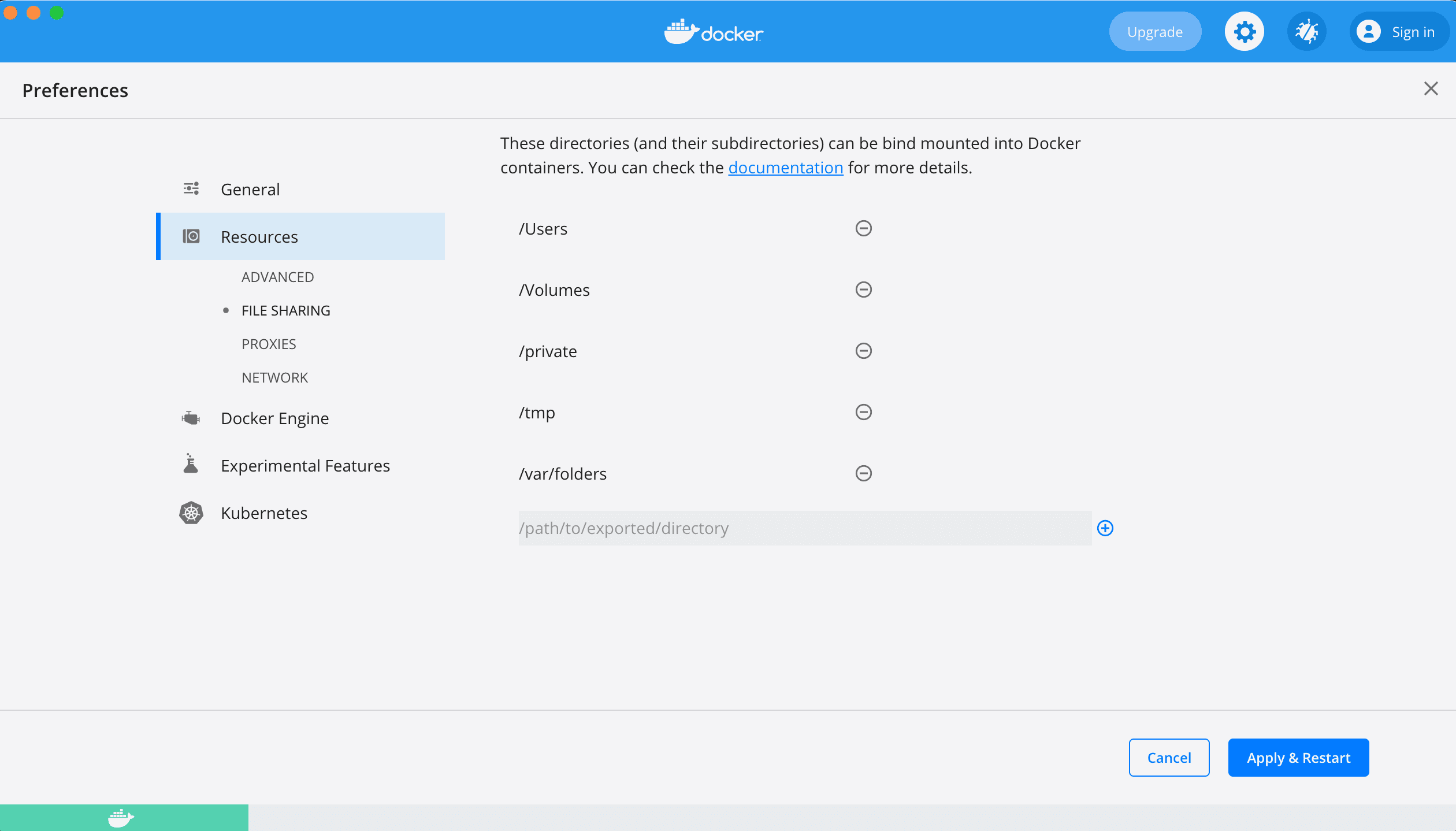
In my case, I added
/Applications/MAMP/htdocs/project/backendat the bottom by clicking the plus sign (+) and then applied the changes.
Each person needs to specify the directory they cloned from GitHub.
Run docker compose up -d again
It started successfully!
Conclusion
That's all.
As mentioned in the error message, I thought some people might struggle to find the gear icon for some time (about 30 seconds), so I decided to write this guide.


