
Testing Compatibility and Speed of Kioxia External SSD with M4 Mac
Thank you for your continued support.
This article contains advertisements that help fund our operations.
Table Of Contents
To compensate for the limited storage of the base model M4 Mac mini, I purchased the Kioxia EXCERIA PLUS G3 external SSD and tested its compatibility and speed.
関連動画
Related Video
This is a video where we actually tried out the content from the article! If anything is unclear in the article, please check out the video.
The video provides further explanations and demonstrations, so it should be helpful.
Subscribe to Our Channel
If you found this video helpful, please consider subscribing to our channel or giving it a thumbs up! It really motivates us to create more content.
Questions and Feedback
If you have any questions or feedback regarding this article or the video, feel free to leave them in the comment section of the video. Your input is greatly appreciated and will help us improve our content in the future!


No Issues with Compatibility or Speed
Let me start with the results.
The speed was approximately 3000MB/s, which is extremely fast.
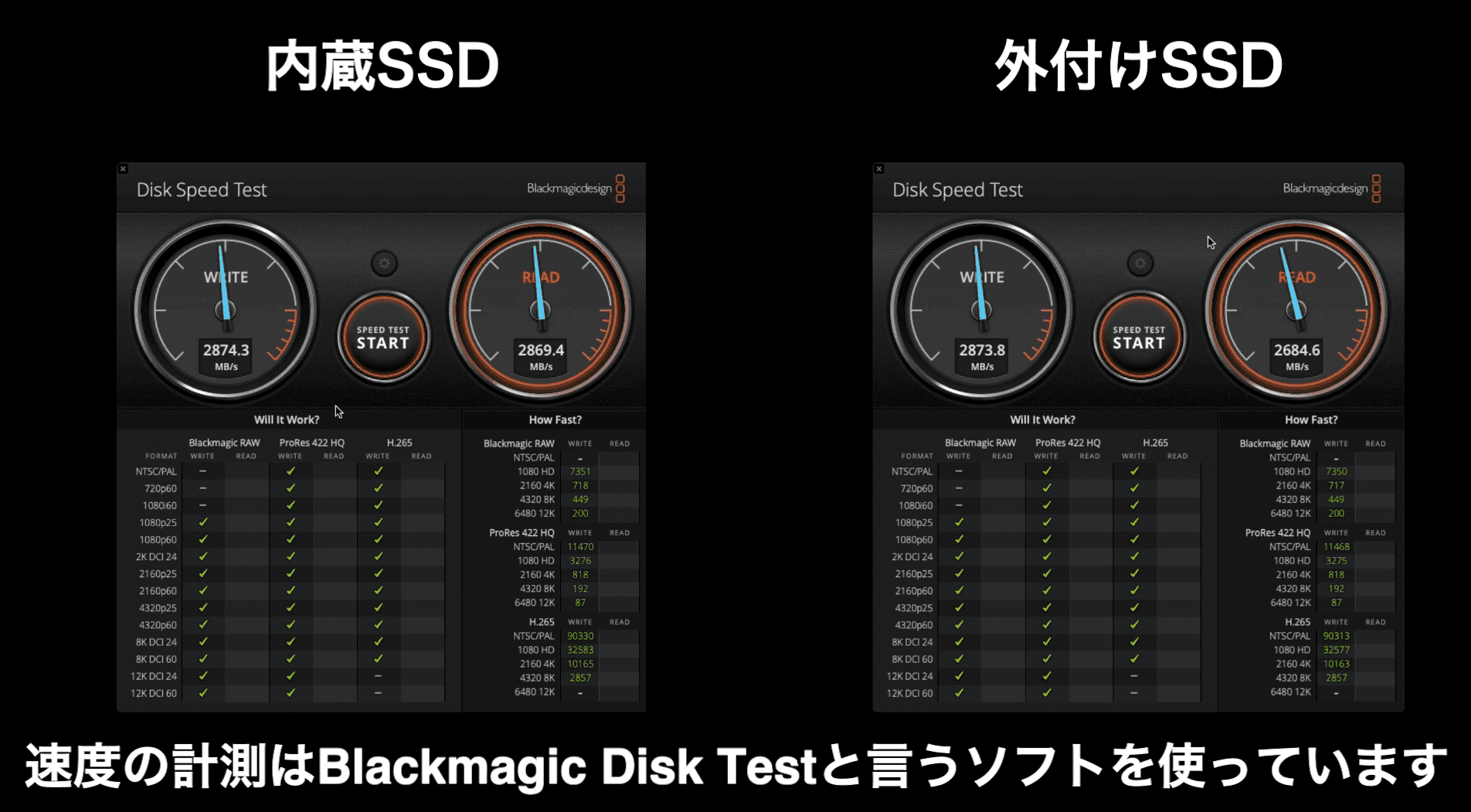
Sometimes, devices can have compatibility issues or perform slower than expected, but I experienced no problems and could use it without any stress.
This is especially helpful when transferring large amounts of video data from my smartphone, as I often record videos of my kids. The speed is noticeably fast.
Products Used in This Setup
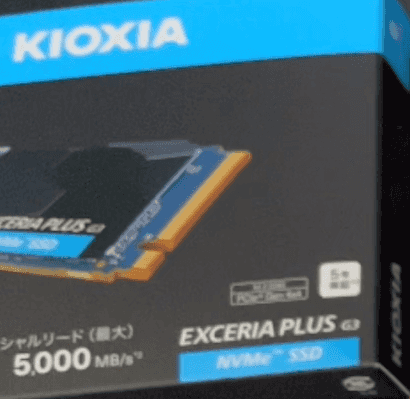
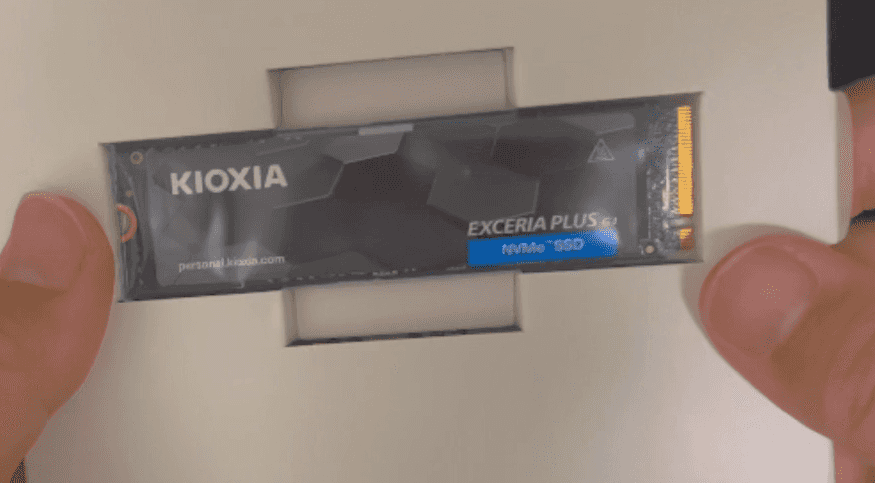
Kioxia EXCERIA PLUS G3 SSD-CK2.0N4PLG3N 2TB
I didn’t take proper photos, so here are some screenshots from the video.

Logitec External SSD Case M.2 NVMe LHR-LPNVWU4CD
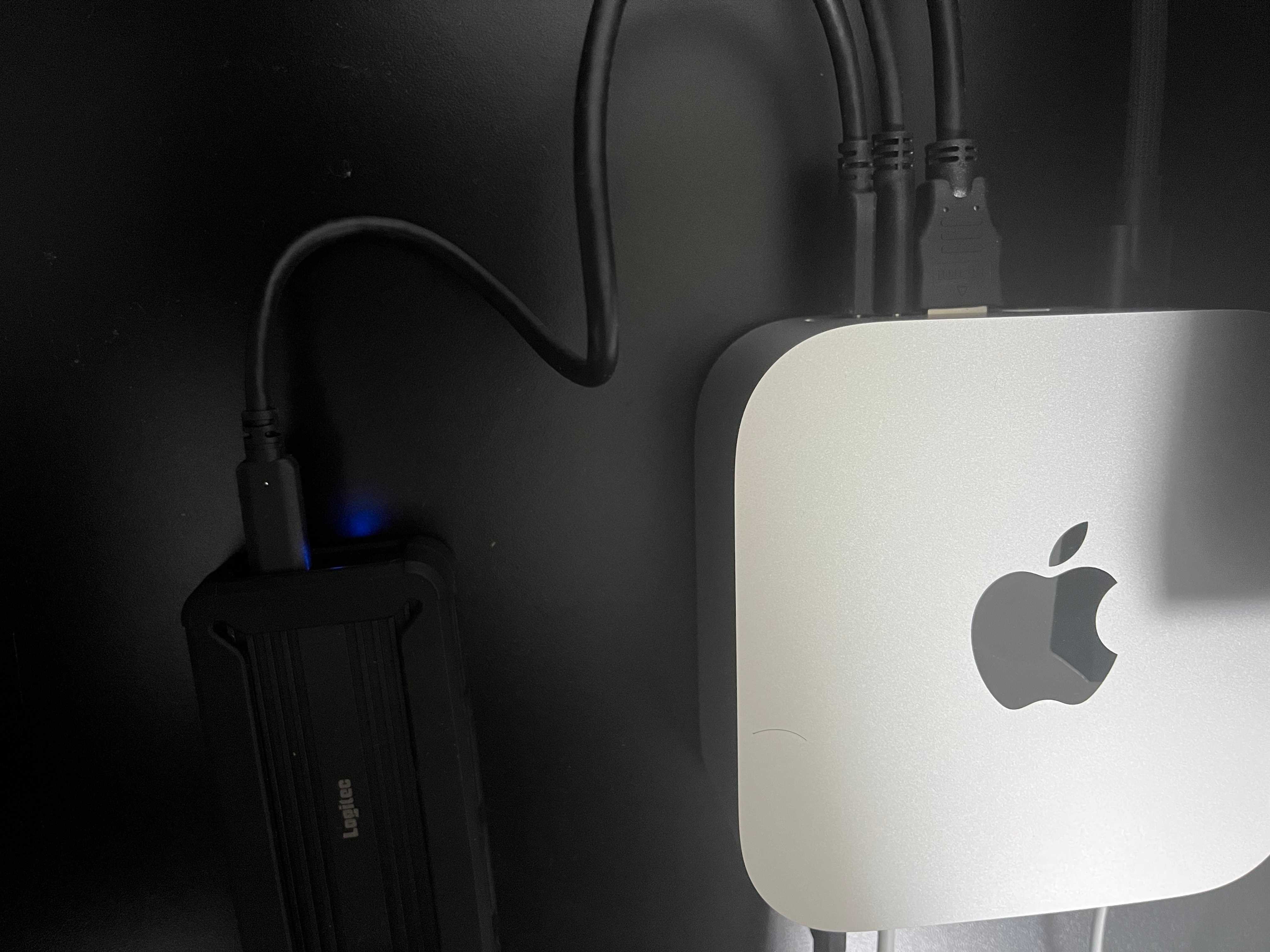

2024 Mac mini Apple M4 Chip (Base Model)

Why I Chose This Setup
Both Kioxia and Logitec are Japanese manufacturers.
Reference Information
Here’s some basic information for those who aren’t familiar with selecting products.
Speed of the USB or Thunderbolt Port You Plan to Use
The port you connect to has a maximum communication speed.
For the Mac mini used in this setup, the front port has a maximum speed of 10 Gb/s, while the rear port supports up to 40 Gb/s.
Note that "Gb" (gigabits) refers to data transfer speed, while "GB" (gigabytes) refers to data capacity.
Since 1 byte equals 8 bits, 40 Gb/s translates to 5 GB/s.
What Are PCIe 4.0 and PCIe 5.0?
These are interface standards used for data transfer.
PCIe 5.0 is backward compatible with PCIe 4.0, meaning devices from different generations can connect.
However, even if your SSD supports PCIe 5.0 and can achieve maximum speeds, using a PCIe 4.0 case may limit its performance.
Could a Faster SSD Make a Difference?
The SSD used in this setup has a maximum speed of 5000MB/s, but using one with a speed of 7300MB/s might yield better results.
In fact, with the same Mac mini, some configurations can achieve speeds of around 3200MB/s.
While the difference might be negligible at that point, it’s understandable to want to aim for the highest possible speed.
My Impressions After Using It
Personally, I’m very satisfied with the speed and stability of this product.
When watching YouTube, I noticed that most electronics reviews focus on foreign brands, with few covering Japanese manufacturers. This time, I decided to go with a Japanese setup.
As you can see, it works perfectly fine, so I highly recommend it!


